40 min · laptop · teams
The full challenge
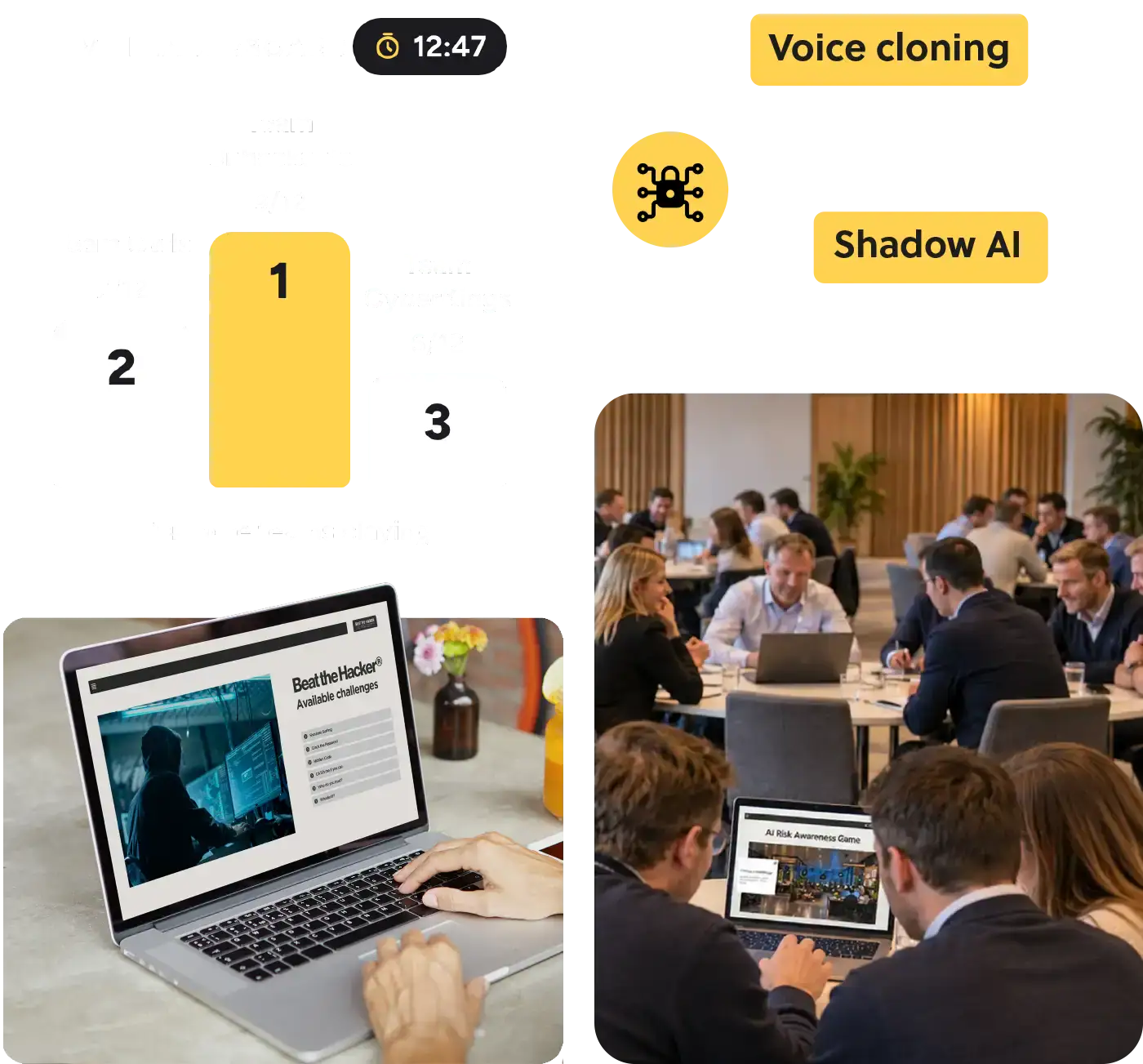
Up to 12 challenges and a debrief. Best for Cyber Month, kick-offs and town halls.
AWARENESS TRAINING PEOPLE ACTUALLY JOIN
Beat the Hacker® Security Awareness
Escape Room
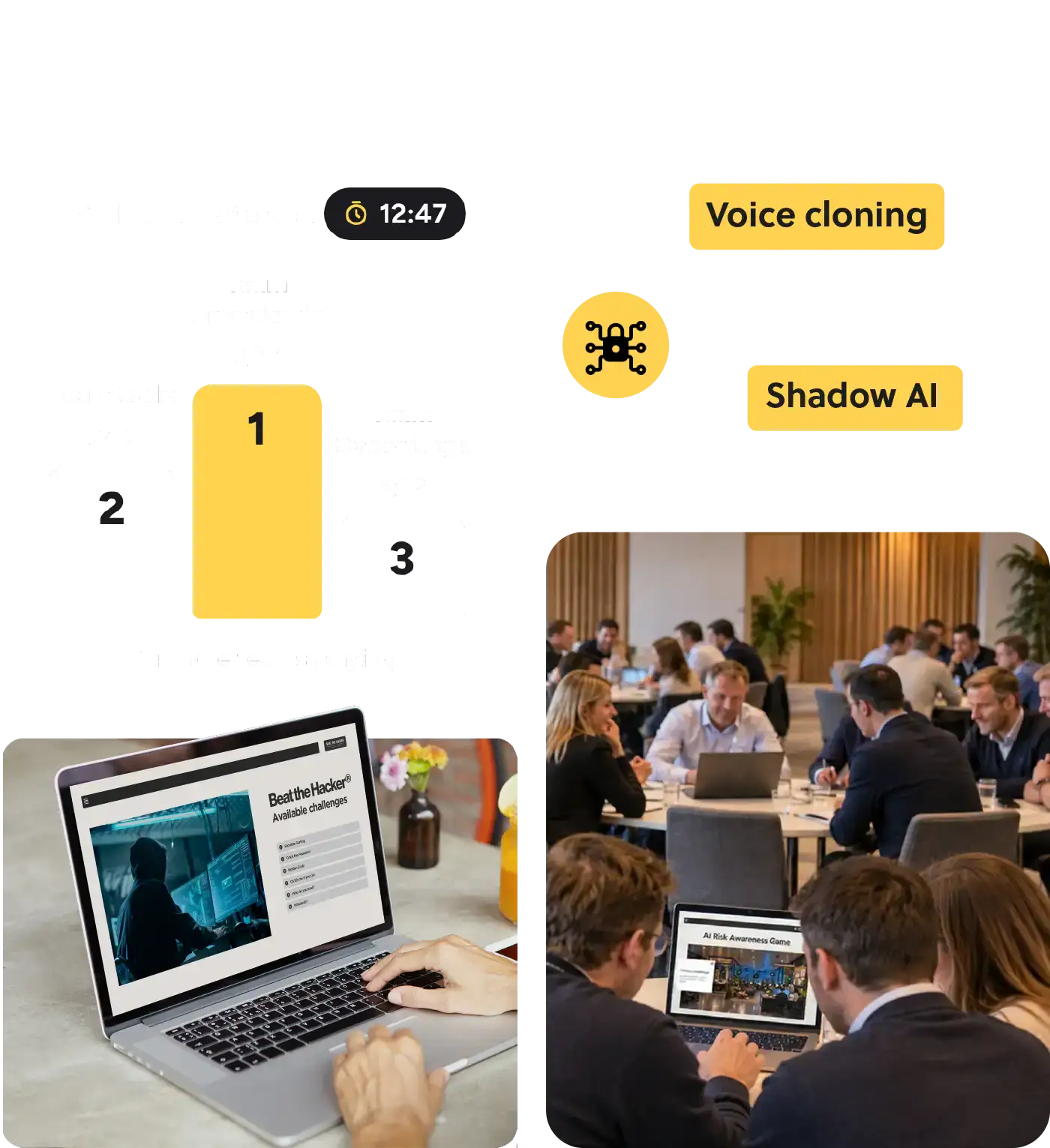
Swap one e-learning module for a live game. Teams race a hacker through real scams like deepfakes, voice cloning and smishing, then a short debrief locks in the lessons.
20 or 40 minutes in teams · 3 minutes solo on a smartphone


It was awesome. We enjoyed the training aspects of it too.

The Escape Room has been a great success!
I loved this challenge. More of this please.
The combination of interactive problem-solving and cyber security awareness was fantastic.

Our team loved the activity.

Great team work, liked the time pressure and variety of tasks.
Challenge themes include




IN-PERSON OR VIRTUAL DELIVERY
IN-PERSON OR VIRTUAL DELIVERY

Nothing to install. Works in any browser.


3–5 people per screen, in the room or in breakout rooms.

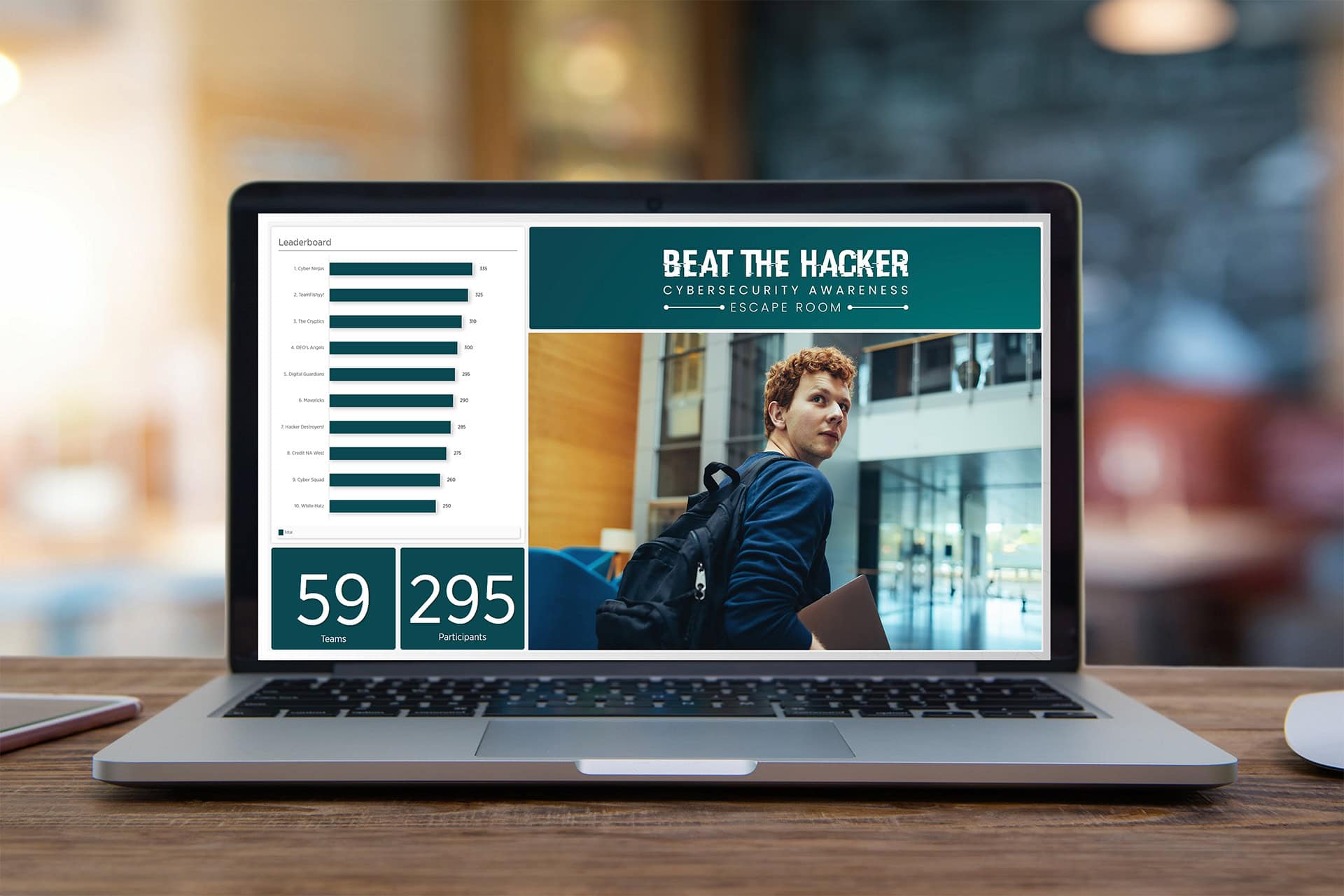
Have fun, crack the challenges and race to the top of the leaderboard.

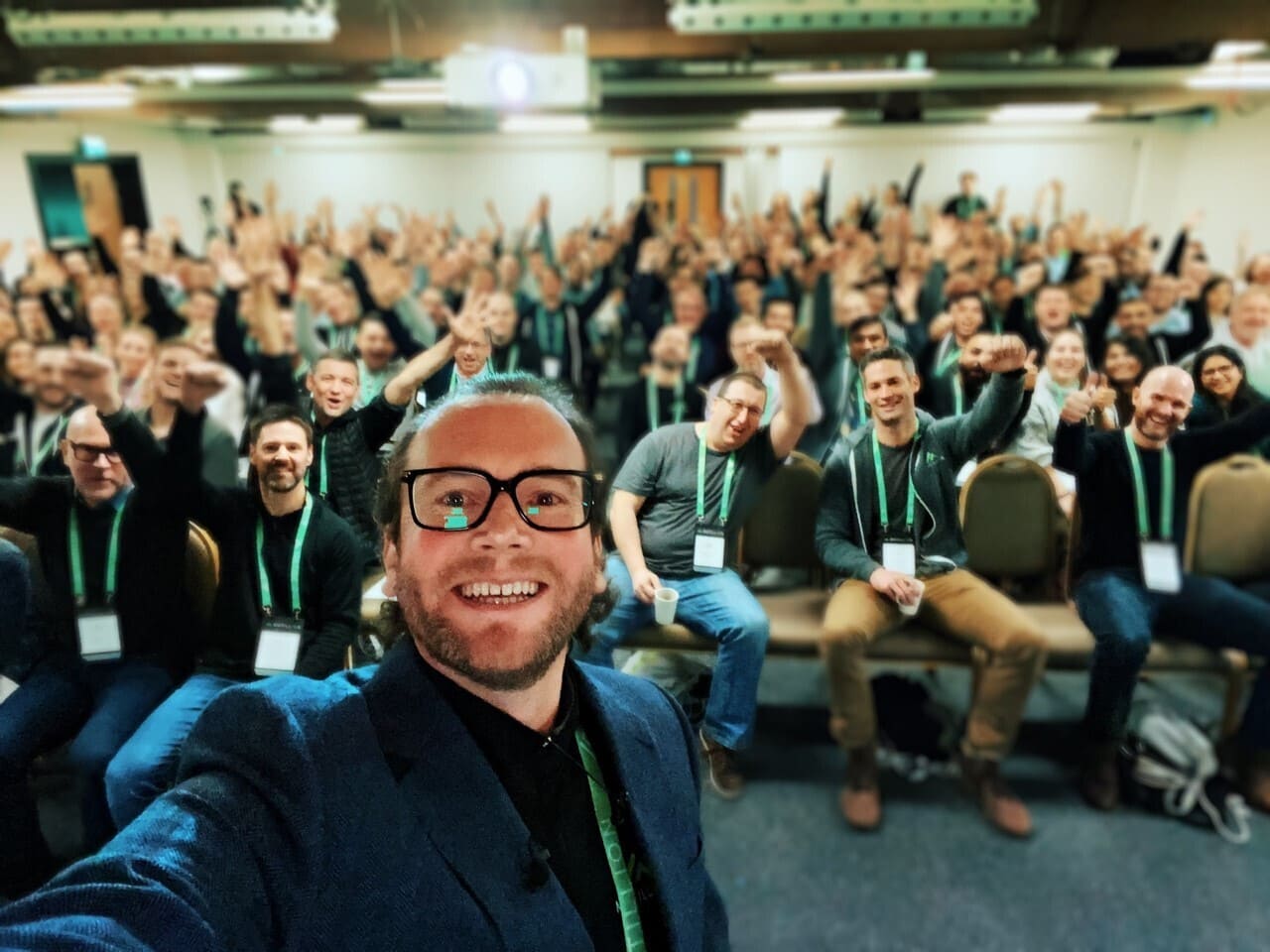
Celebrate the top teams and wrap up with the takeaways.
THREE WAYS TO PLAY
Same scams, same lessons. Choose how long and how people play.
THREE WAYS TO PLAY
40 min · laptop · teams
Up to 12 challenges and a debrief. Best for Cyber Month, kick-offs and town halls.
20 min · laptop · teams
A shorter set of challenges that fits into a team meeting or an onboarding session.
3 min · smartphone · solo
A quick solo challenge on a phone, built for frontline staff, roadshows and drop-in stands.
Planning a team event instead? See the Team Building Edition →
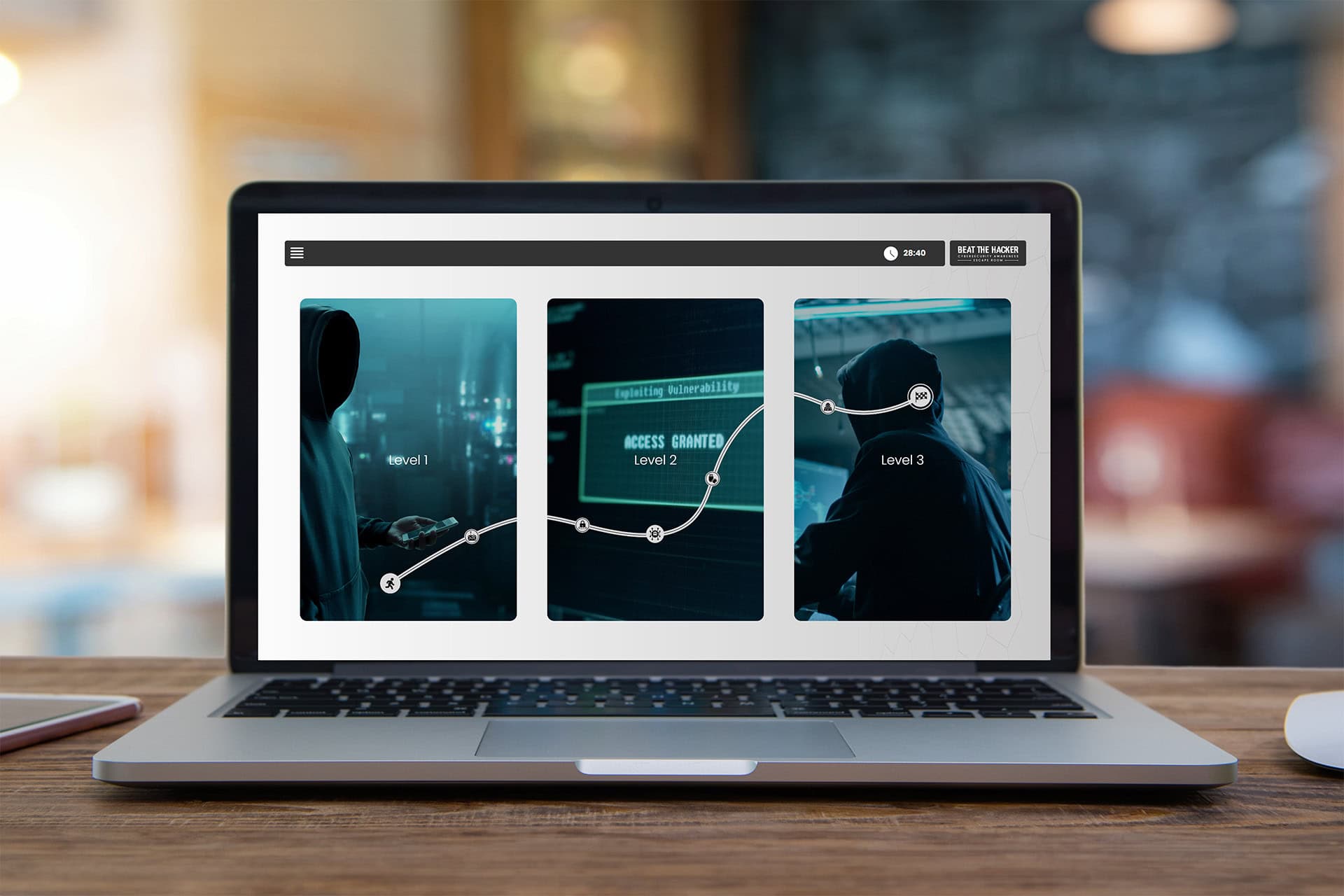
No slides to sit through. Just a clock, a hacker to beat and a team that has to spot the scam to win.
No security background needed. From new starters to the board, everyone plays and everyone has something to add.
Nobody reads about a scam here. Teams have to catch it against the clock, and that’s what makes it stick.
A live leaderboard gives people a reason to show up, and the winners give everyone else something to talk about.
20 or 40 minutes. Kick off Cyber Month, welcome new starters or add it to a team meeting.
Play in the office or in Teams and Zoom breakout rooms. Frontline staff can play solo on a smartphone in 3 minutes.
One link, any browser, nothing to install. Most customers go from first call to live game within a day.
One-day access, priced by the number of players.
One-day access, priced by the number of players.
Duration
Running it yourself?
Until your game starts, you can:
🟢 Reschedule for free
🟢 Change the number of players
🟢 Cancel for full account credit (valid 12 months)
Booked a host?
Your host’s time is reserved for you, so cancellation depends on timing. Rescheduling is free up to 3 days before your event.
🟢 7+ days out: Cancel for full credit, or adjust your guest count.
🟡 3–6 days out: Cancel for 50% credit.
🔴 Under 3 days: No credit.

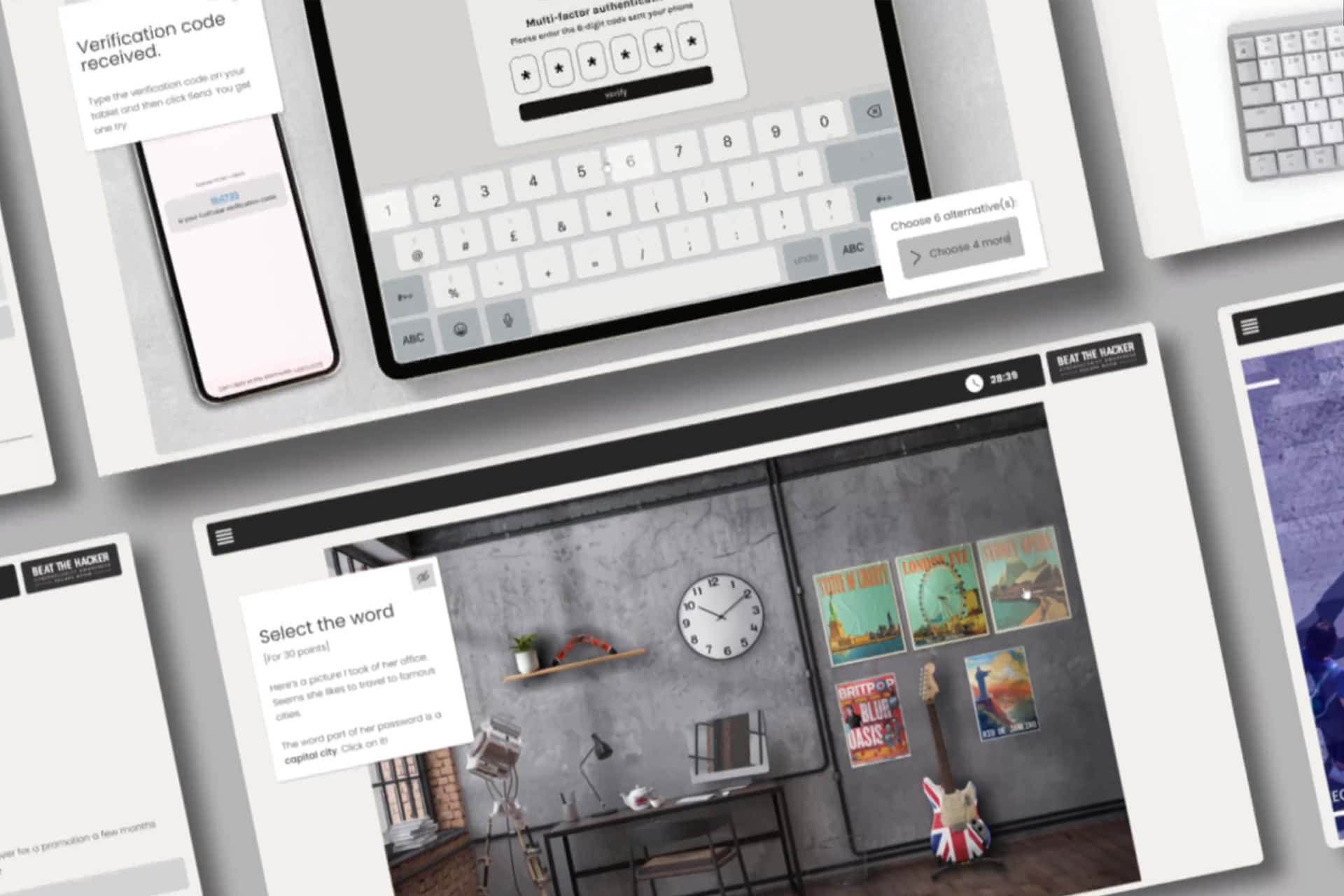
Every challenge is built on a real scam: phishing, AI voice cloning, smishing, deepfakes, MFA, LinkedIn scams and shadow AI. Each one ends with a short, practical takeaway, and a debrief at the end ties it all together.
It’s the live, social part of your programme, alongside e-learning and phishing simulations. Use it to kick off Cybersecurity Awareness Month, welcome new starters or open an annual kick-off. To reach frontline staff, use the 3-minute smartphone challenge.
Yes. It gives Cyber Month a live, shared moment that gets people talking about security, which is hard to do with another e-learning module. It sets up in minutes, covers current threats like deepfakes and phishing, and more than 500,000 people have played it, with a 4.6/5 rating and a 97% recommendation rate.
Yes. On Doubleflow’s hosted platform, administrators get a real-time dashboard showing completion rates, score distributions and department leaderboards. The participation and completion data helps you document your awareness activities for audits, frameworks like NIS2 and ISO 27001, and cyber insurance.
No coding or hacking skills are required. Teams solve challenges together using different perspectives and skills, so it works for every employee, not just IT.
20 or 40 minutes on laptops, played in teams. There’s also a 3-minute solo challenge on smartphones for drop-ins and roadshows. Short enough to fit into a team meeting, an onboarding day or your Cyber Month calendar.
Teams of 3–5 share a screen, and you can run anything from a single team to hundreds of players. For groups over 100, we’ll put together a custom quote.
Players work in small teams of 3–5 around one internet-connected laptop. Everyone contributes while one person controls the game. For an in-person event, you can display the live leaderboard on a shared screen or projector. Everything runs in the browser, with nothing to download.
Yes. For remote events, bring everyone together in Teams or Zoom, then split into breakout rooms. One person in each team shares their screen and audio while colleagues help solve the challenges. Teams compete on the same live leaderboard.
It’s built to be self-run: share the link, form teams, start the clock. If you’d rather have someone lead it, add a virtual game host who runs the game and the debrief (subject to availability).
Fast — most customers go from first call to live game within a day. Because Beat the Hacker® is pre-built and browser-based, there’s no software to install and nothing for your IT team to deploy. You pick the activity, we set up your campaign link, and you share it with your team. No custom content development, no long lead time.
Yes. Custom branding is available as an add-on, with your company logo and colours in the game—a useful option for internal events, customer events and branded awareness activities.
You pay for one-day access based on the number of players. Use the price calculator on this page for an instant price, or ask us for a quote if you have more than 100 players. Here are two examples:
To run it across the year or across several sites, plan a campaign with us and we’ll send a quote.
Self-run games can be rescheduled, resized or cancelled for full credit (valid 12 months) any time before the game starts. Hosted games can be rescheduled for free up to 3 days before. See Change of plans above for details.
Get a personal price, further details and a game sample.
We'll email you a link to the game. It runs
in your browser, nothing to install.